 Asking AI Clearly
Why the same prompt gives different answers
Last reviewed
The short version
- The same prompt can give different wording each time.
- Microsoft says some randomness is part of how these tools work.
- You can't switch the variety off, but clearer prompts leave less room for it.
What you might notice
You ask for a notice for the shop door. You like the answer. Later you send the exact same words, and the answer is different. The ideas are close. The wording isn't.
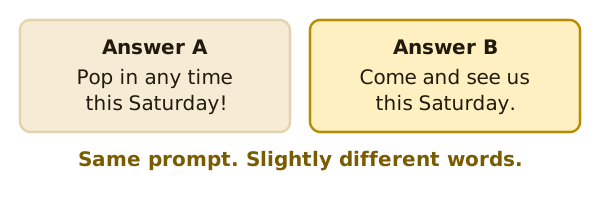
Nothing has gone wrong. This is normal.
Why it happens
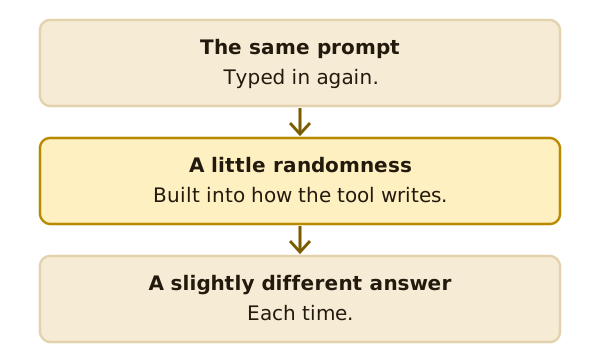
Microsoft says that using the same prompt more than once can give different responses.[1] It explains that the tool's underlying network brings some randomness.[1] Even with the same prompt, you'll most likely get slightly different results each time.[1]
The National AI Centre makes a related point. It says these systems produce different outputs depending on how they've been trained and the input they are given.[2]
Other reasons for a change
Wording also matters. A prompt that changes by one word is a different prompt. "Write a notice" and "Write a short notice" can lead to different answers.
The tool may also read your request in a way you didn't expect. The National AI Centre warns that AI may interpret instructions differently from what you told it.[3]
Getting steadier answers
You can't remove the variety. You can leave less room for it.
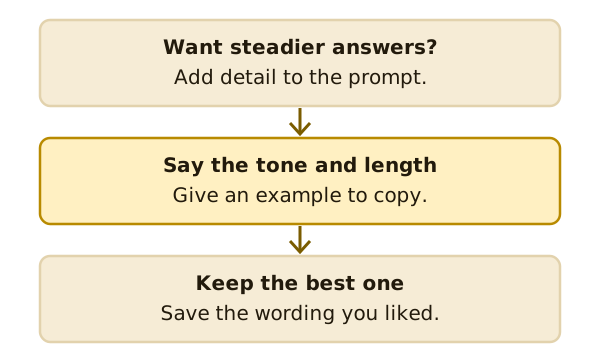
- Add detail. Say the tone, the length and the reader.
- Use examples. A few well-made examples improve accuracy and consistency, says Anthropic.[4]
- Keep what works. When a prompt gives you a good answer, save the wording. Next time you can start from it.
Use the variety
Sometimes variety helps. If you want ideas for a shop name, ask more than once. Each try may show you something new.
Comparing two tries
When you get two answers, you don't have to pick one whole. Read both. You might like the opening of the first and the ending of the second.
Then ask the tool to join them. Try: "Use the first paragraph from answer A. Use the last line from answer B." Read the result before you use it.
What's next
If an answer isn't right, you don't have to start again. Read follow-up questions and fixing a poor answer.
Sources
- Get started writing prompts in Microsoft Copilot, Microsoft Support (accessed 2026-11-16)
- Artificial intelligence explained, National AI Centre (Australian Government) (accessed 2026-11-16)
- Myths and limitations, National AI Centre (Australian Government) (accessed 2026-11-16)
- Prompting best practices, Anthropic (Claude Platform Docs) (accessed 2026-11-16)