 Asking AI Clearly
What a prompt is and what the chat tool does with it
Last reviewed
The short version
- A prompt is the text you type into an AI chat tool.
- It can be a question or an instruction.
- The tool answers by working from your words, so your words matter.
What a prompt is
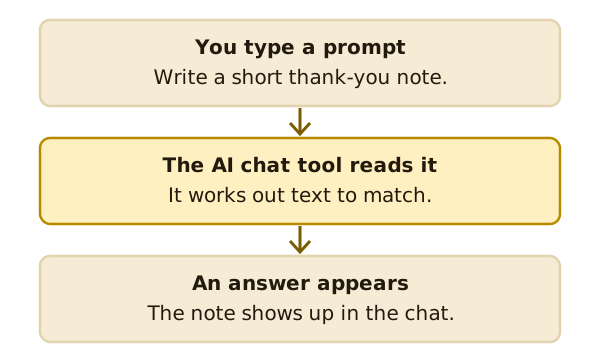
A prompt is some plain text that describes the job you want an AI tool to do.[1] That's all it is. There's no special code.
Microsoft puts it this way for its own chat tool. Prompts are instructions or questions that tell the tool what you want.[2] The same idea holds for other chat tools.
Two kinds of prompt
You'll write two kinds. A question asks for information. An instruction asks the tool to make something.
Most people use these tools by typing a question or an instruction and getting a response.[3]
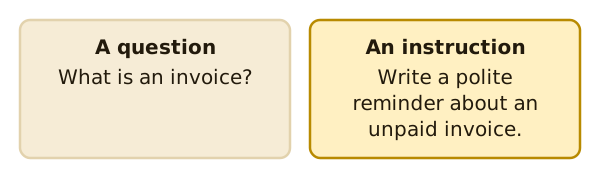
You can mix them. "What is an invoice? Then write a polite reminder about one." That's two jobs in one prompt. Later pages show why one job at a time often works better.
What's on the other side
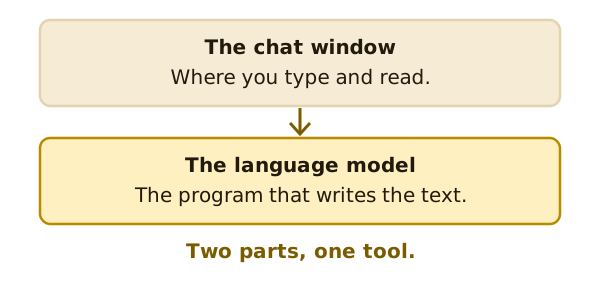
An AI chat tool is a program you talk to by typing. This kind of AI is called generative AI, because it creates new content based on prompts or examples.[3]
Behind the chat window sits a large language model, or LLM. An LLM can be turned into a chatbot by specialising it for conversation.[4] So you have two parts. One is the chat window you see. The other is the model that does the writing.
It works from patterns
The National AI Centre says these systems work by finding patterns in large amounts of data. They give responses based on those patterns, not by understanding information the way people do.[5]
That's why your wording matters. The tool can't see what's in your head. It only has the words you give it.
One prompt is rarely the end
You'll often follow up on the first answer with another prompt.[2] That's normal. A chat is a back-and-forth.
So don't worry about getting the first prompt perfect. Write it clearly, read what comes back, and adjust. The pages ahead show you how.
What's next
Next, see what goes into a strong prompt. Read the four parts of a prompt.
Sources
- Prompt engineering, Wikipedia (accessed 2026-11-16)
- Get started writing prompts in Microsoft Copilot, Microsoft Support (accessed 2026-11-16)
- Artificial intelligence explained, National AI Centre (Australian Government) (accessed 2026-11-16)
- Large language model, Wikipedia (accessed 2026-11-16)
- Myths and limitations, National AI Centre (Australian Government) (accessed 2026-11-16)